Back to Docs
Requesting Access to Business Account
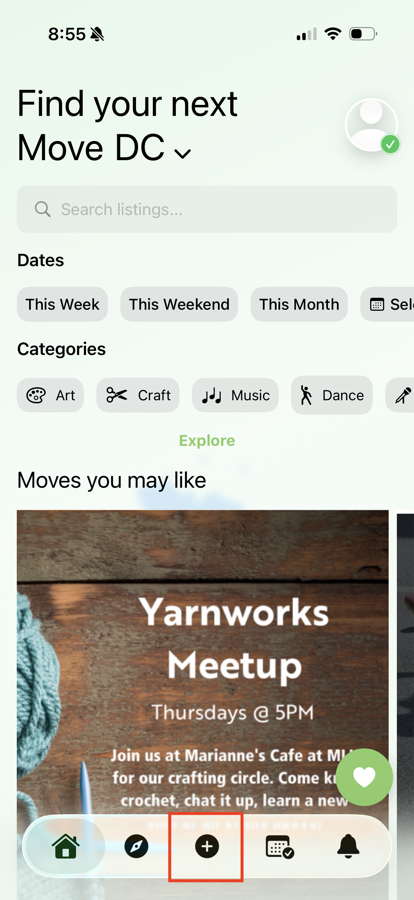
| 1. Click your user icon in the top right corner of the homepage | ![]() |
| 2. Click on Settings | ![]() |
| 3. At the bottom of the screen, you'll see "Have a business? Click here to Start Listing". Click this text. | |
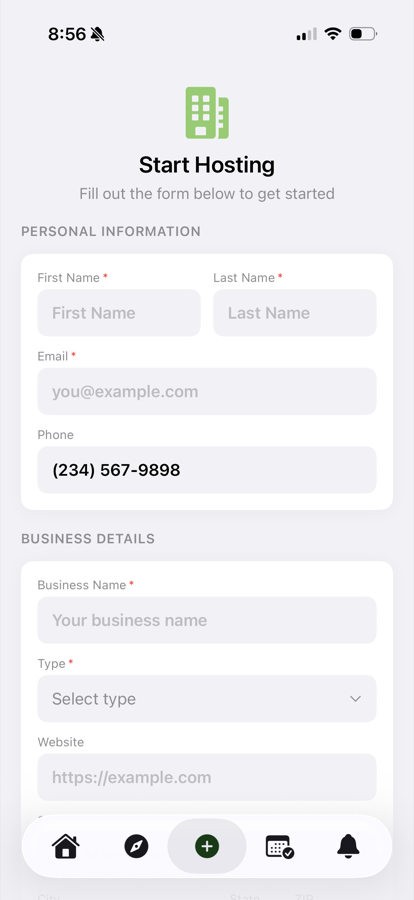
| 4. Fill in the "Start Hosting" intake form and press the "Submit Application" button when you're finished | ![]() |
| 5. You will now see that your application was submitted and that your Business Submission is pending | ![]() |
| 6. Moves must approve all Hosts prior to having access to hosting events on Moves | |
| 7. Once approved, close out of the Moves app and open it again. | |
| 8. Once you open the Moves app, click on the user icon. | |
| 9. Click on the text "Switch to Admin Mode" You can now start creating free listings. To set up paid listings, follow the "Setting up Stripe" steps. | ![]() |