Back to Docs
Notifications and Contacting Your Class
| 1. Click Manage Listings in the ribbon at the bottom of the screen. | 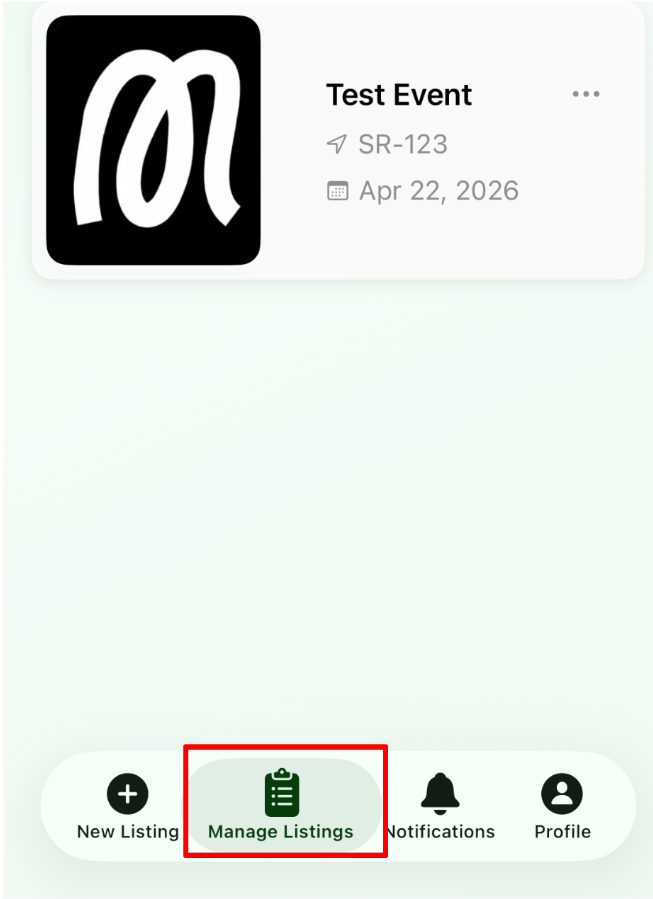 |
| 2. Tap any of the events shown. | 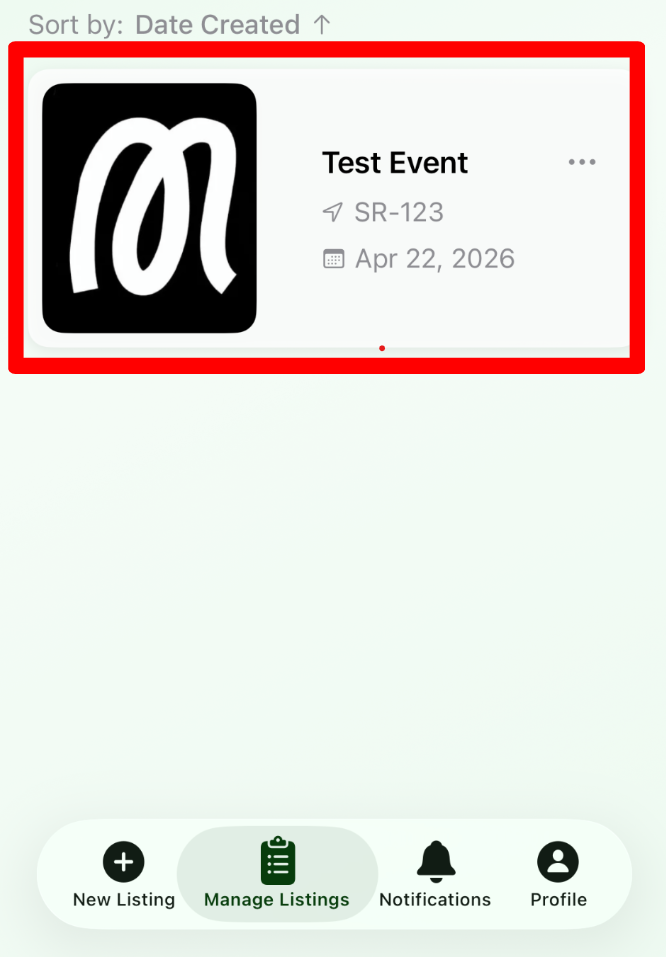 |
| 3. Tap the time slot you want to reach out to. | 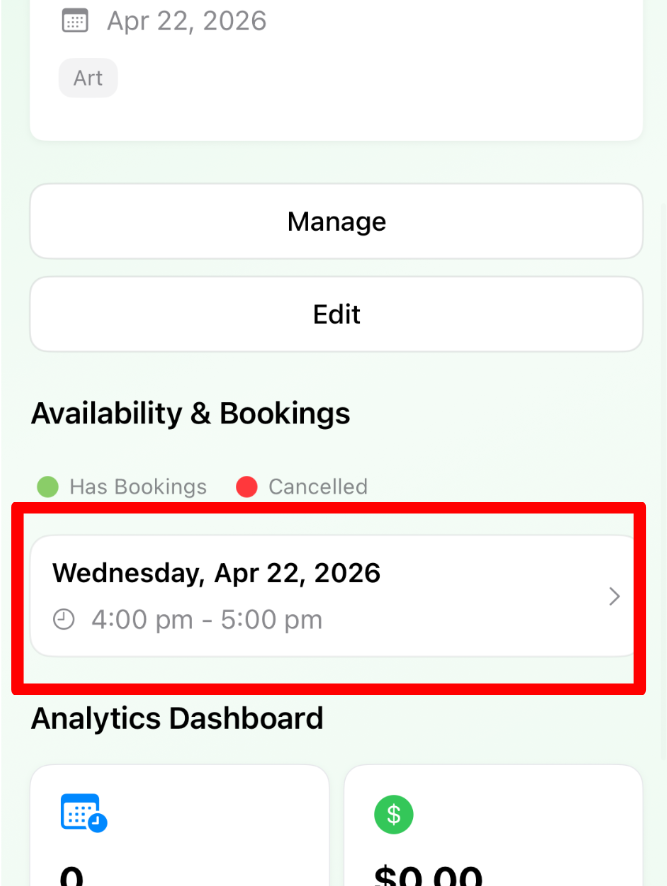 |
| 4. Tap the three dots in the top right corner. This reveals the Contact Attendees button. | 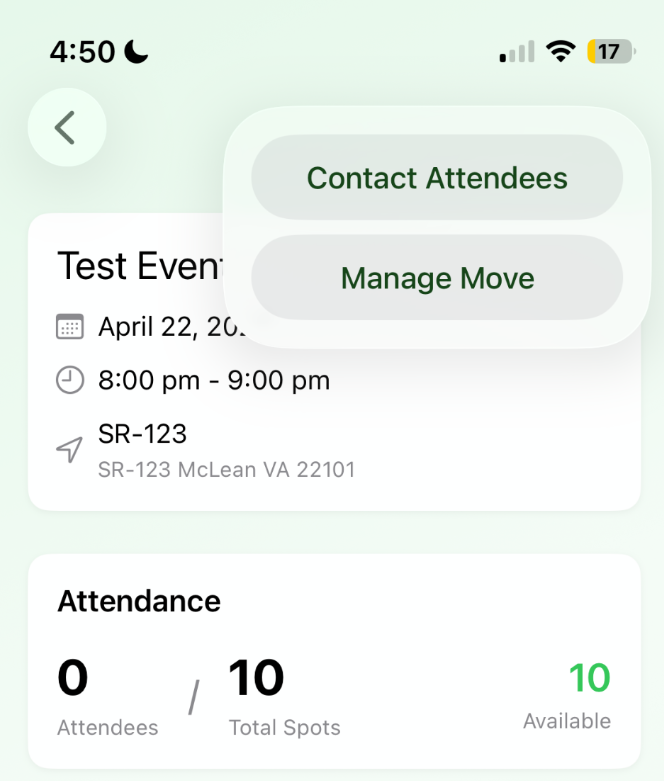 |
| 5. Write your message in the text field and send it to your attendees. | 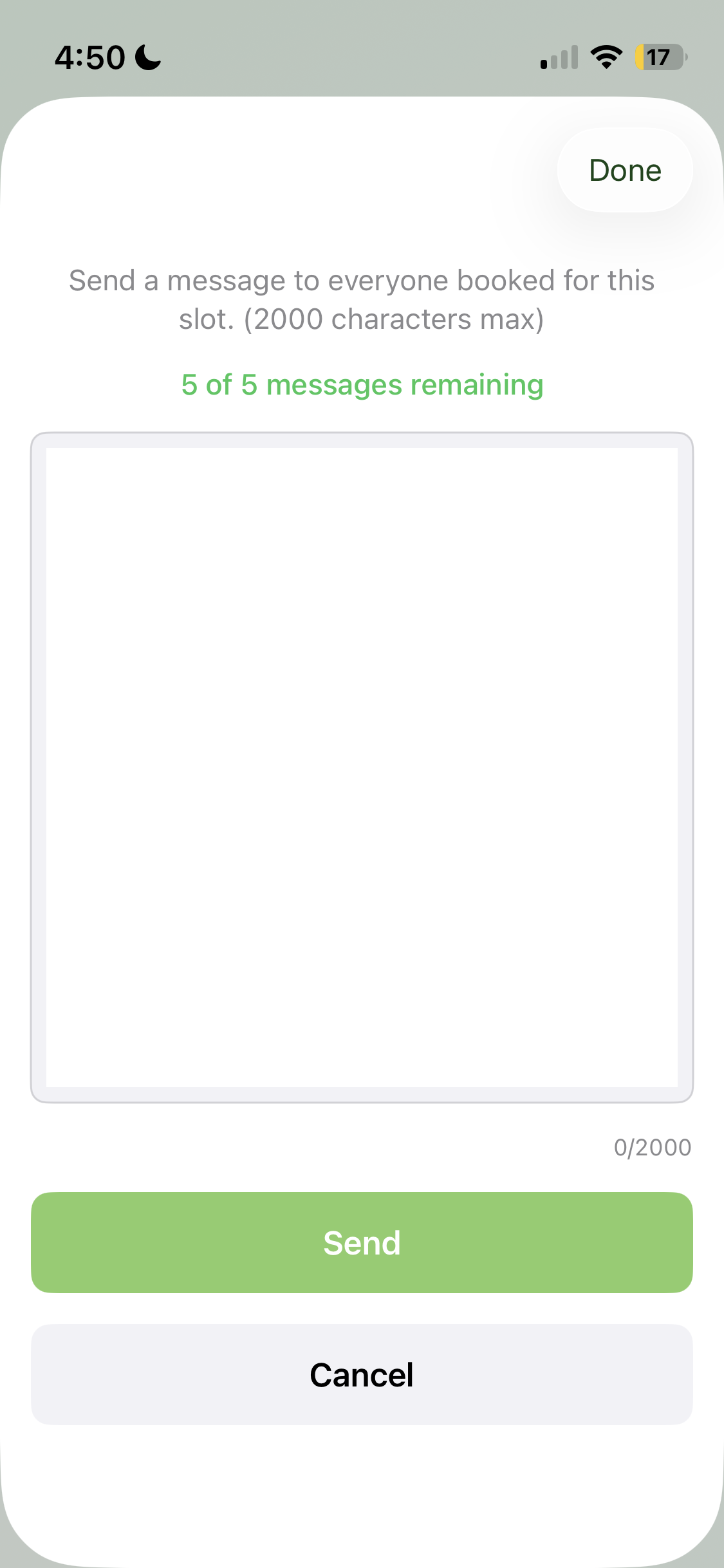 |