Back to Docs
Editing a Move
| 1. Click Manage Listings in the ribbon at the bottom of the screen. | 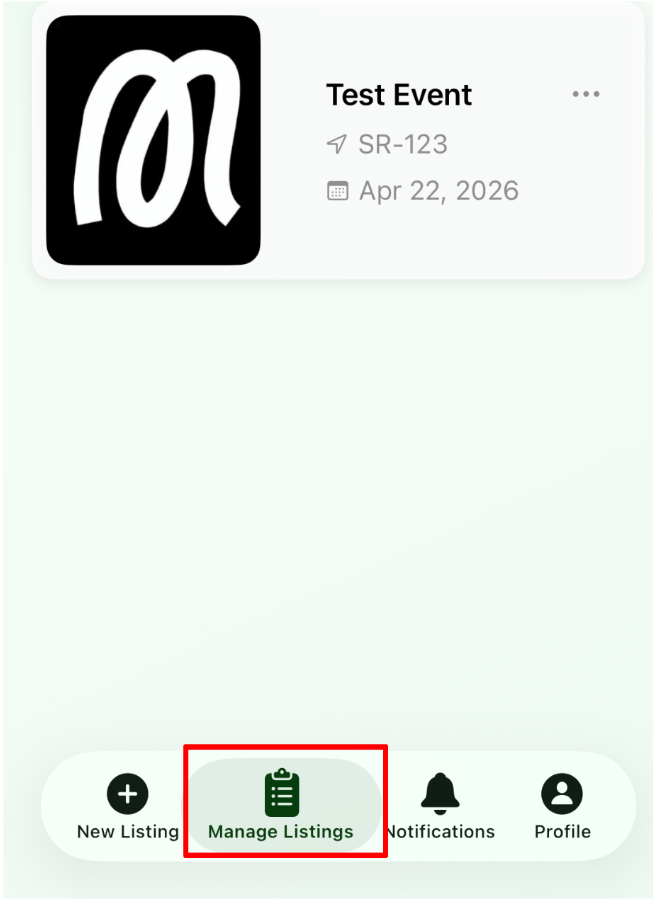 |
| 2. Tap any of the events shown. | 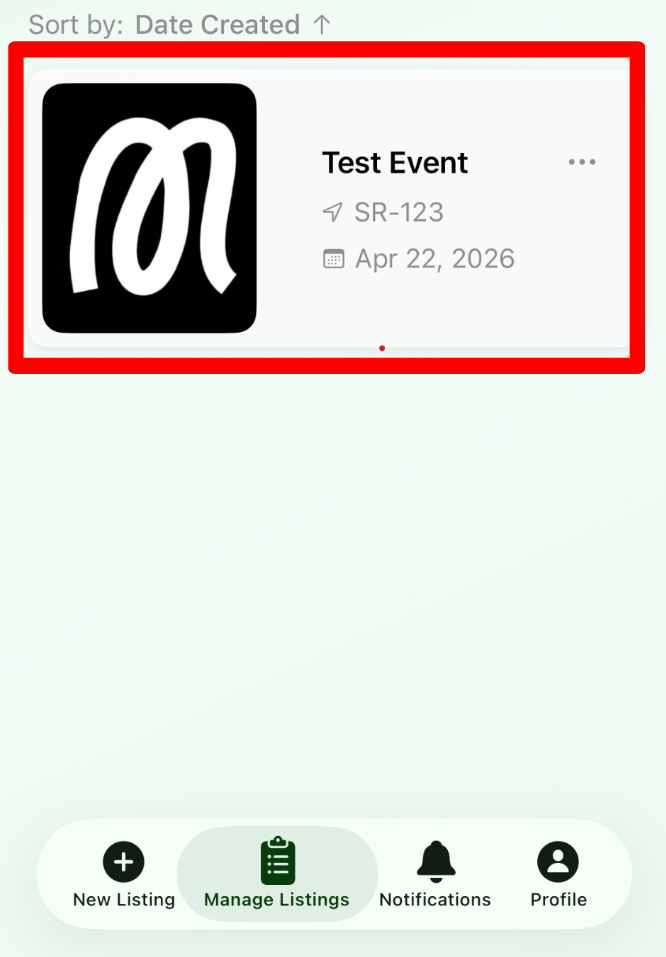 |
| 3. Tap Edit to change basic information for the listing. - You'll be able to edit images, descriptions, location, pricing, etc. | 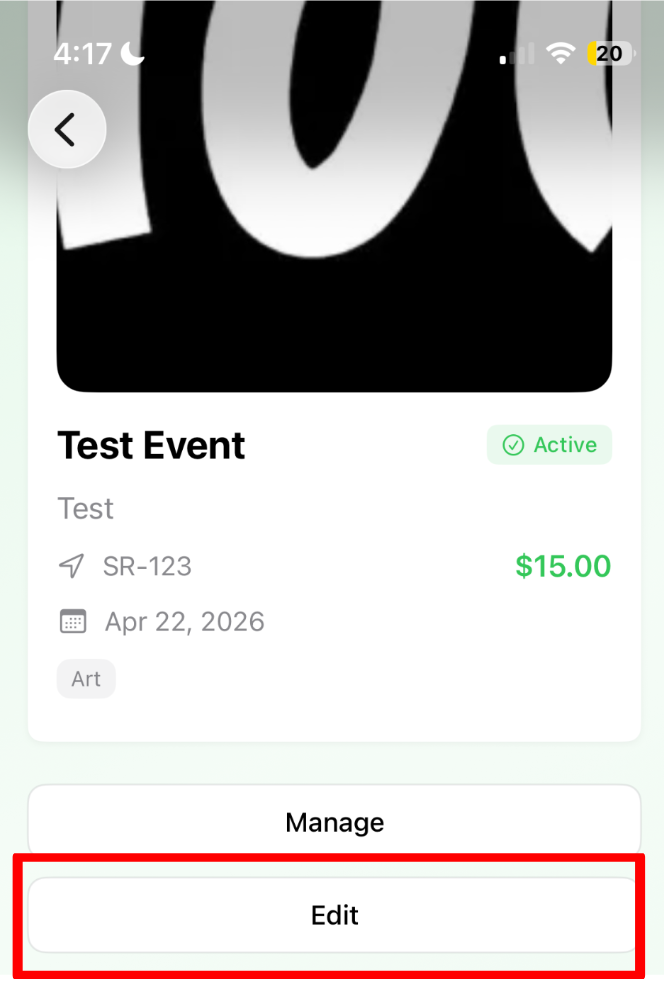 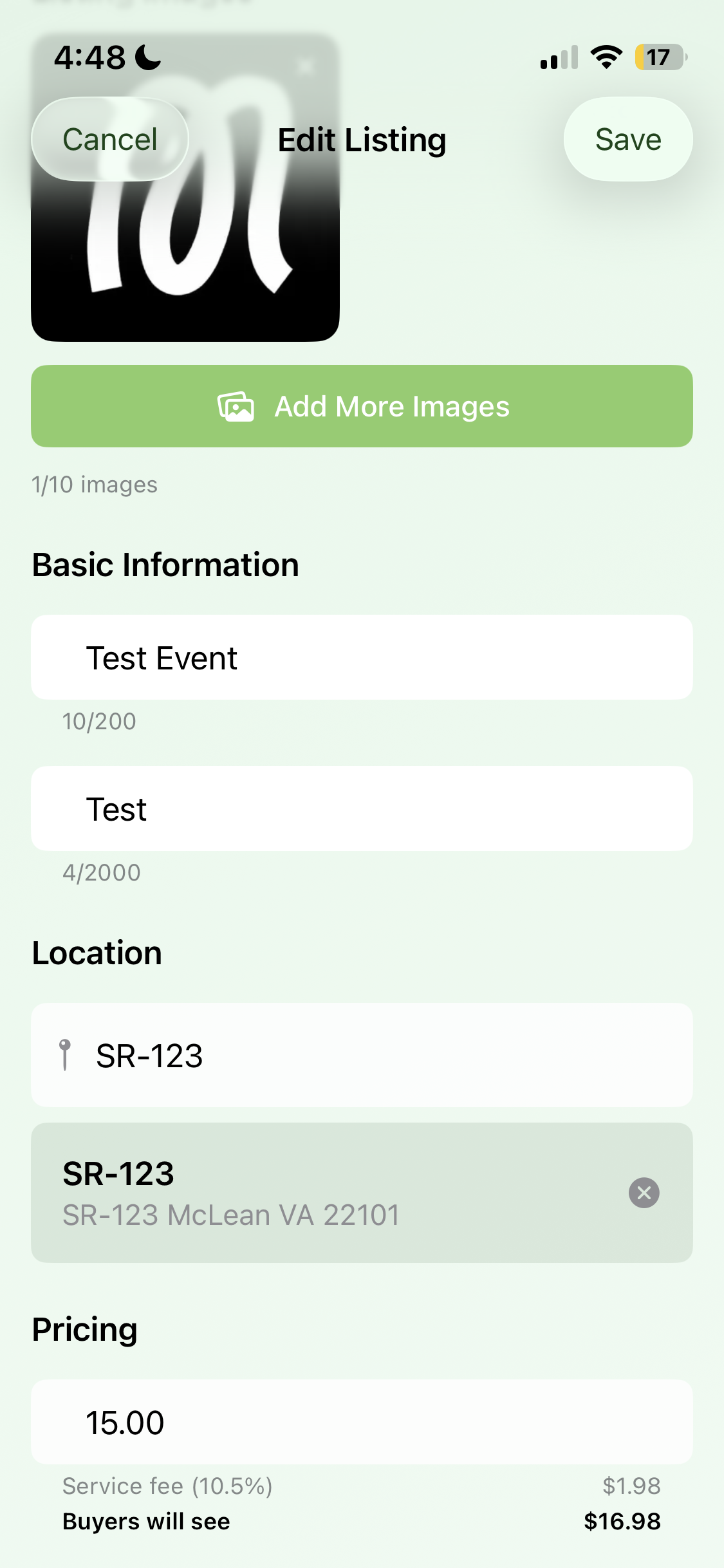 |