Back to Docs
Pausing and Deleting
| 1. Click Manage Listings in the ribbon at the bottom of the screen | 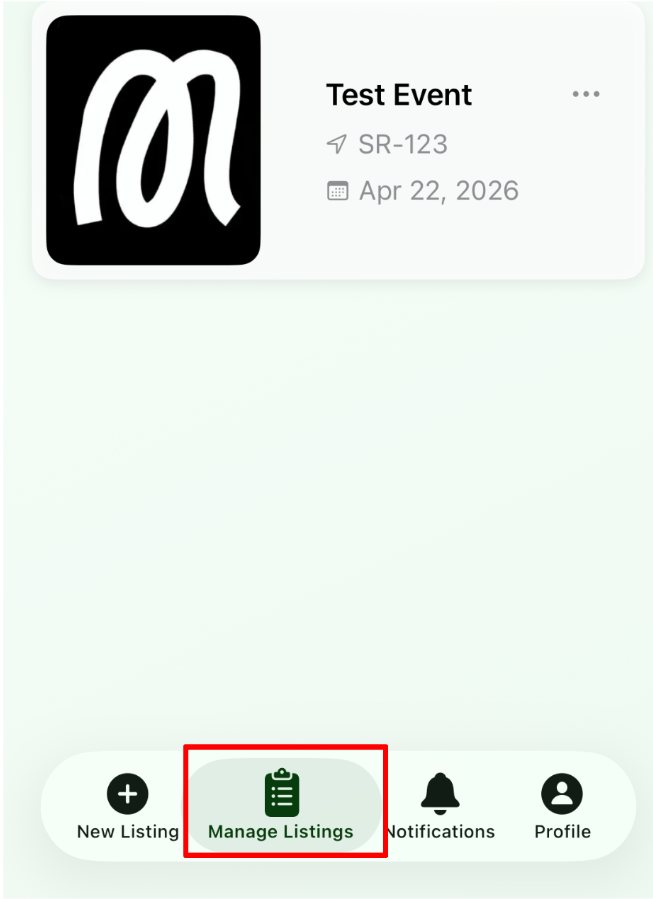 |
| 2. Tap any of the events shown | 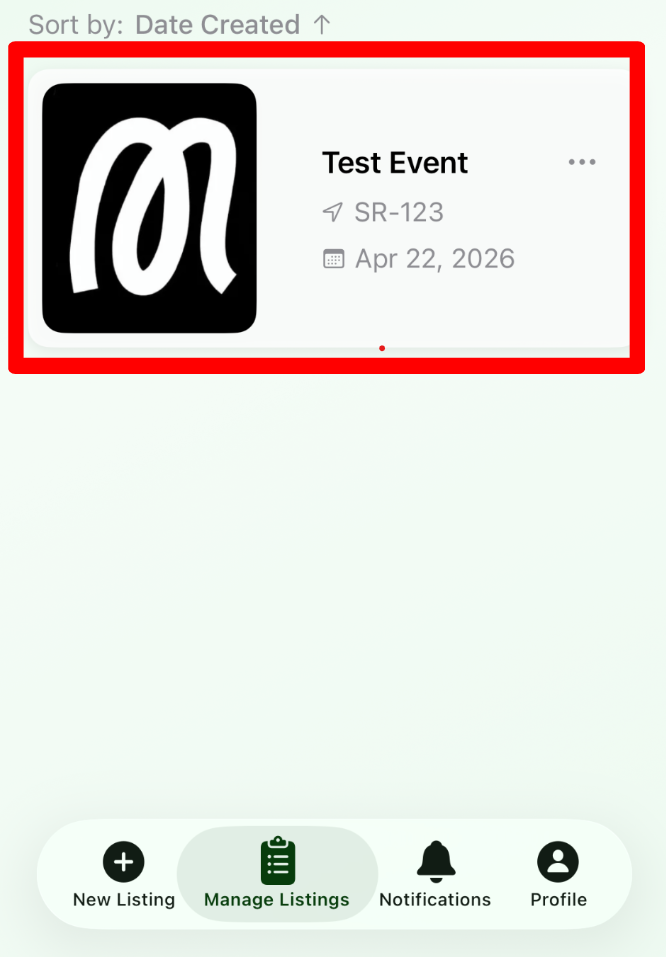 |
| 3. Tap Manage | 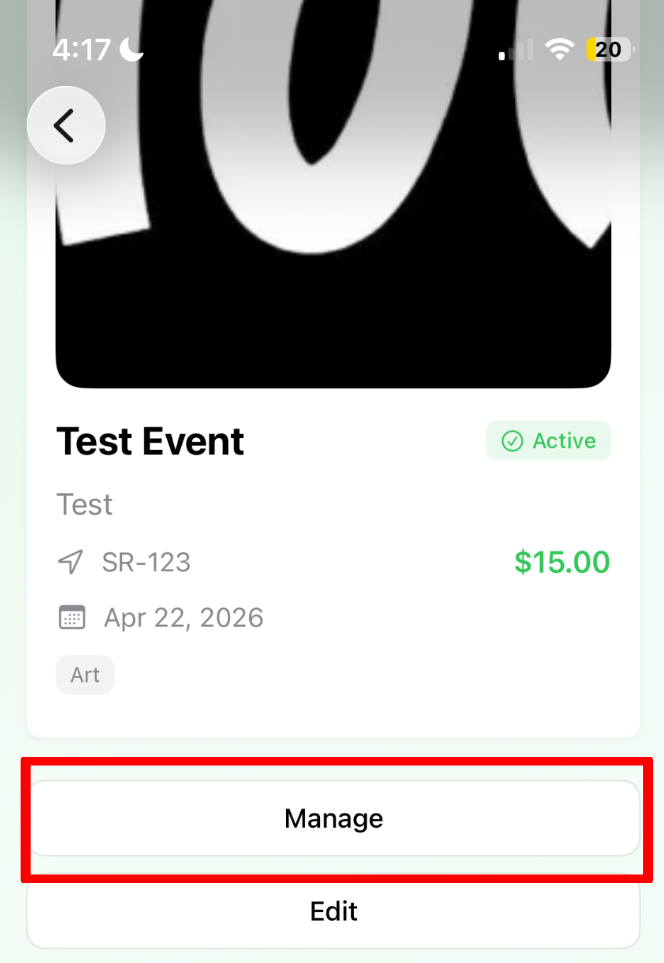 |
| 4. From this menu you can pause or delete listings. - Pausing temporarily hides your listing and prevents new bookings - Deleting cancels your event and automatically refunds users if applicable You can also configure custom automatic notifications to send to attendees. | 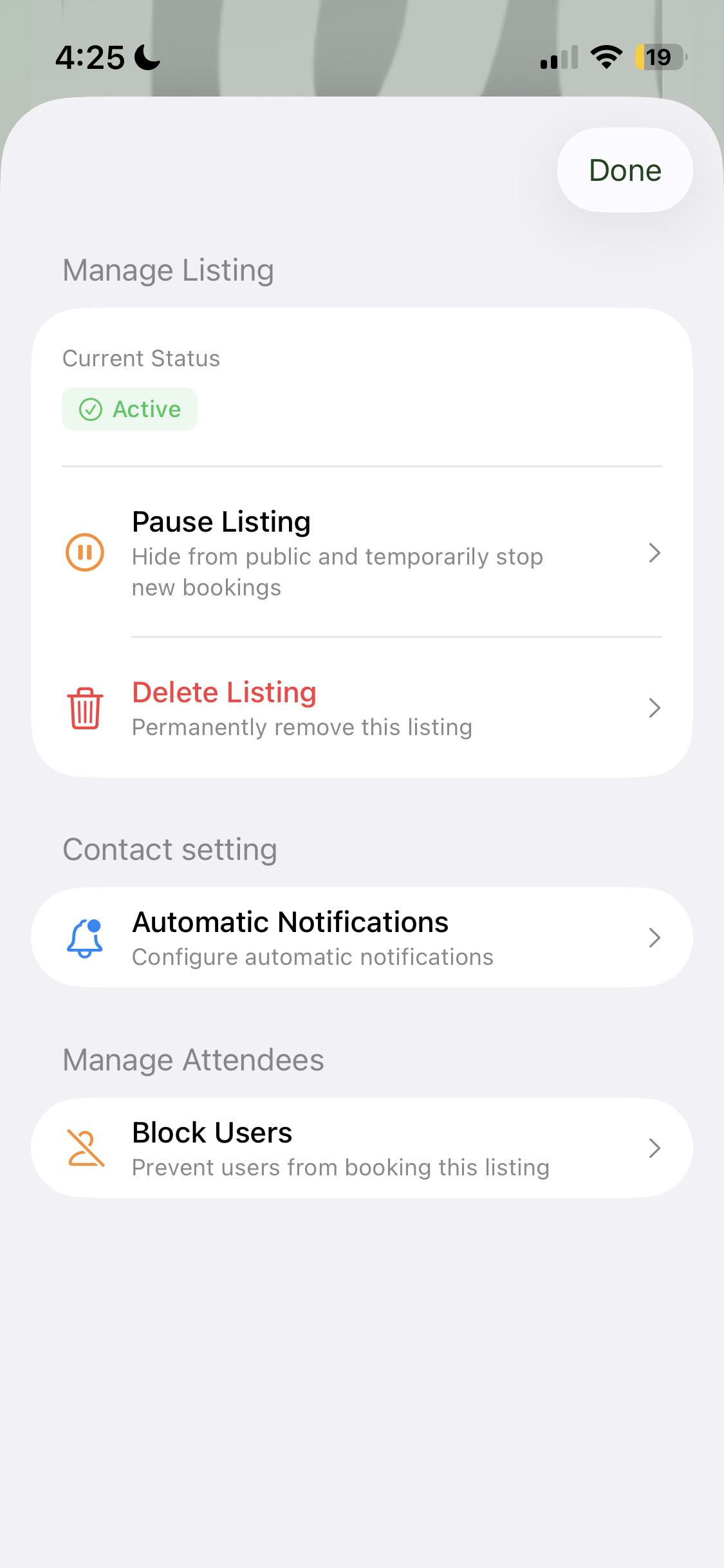 |