Back to Docs
Removing Individuals and Blocking
| 1. Click Manage Listings in the ribbon at the bottom of the screen | 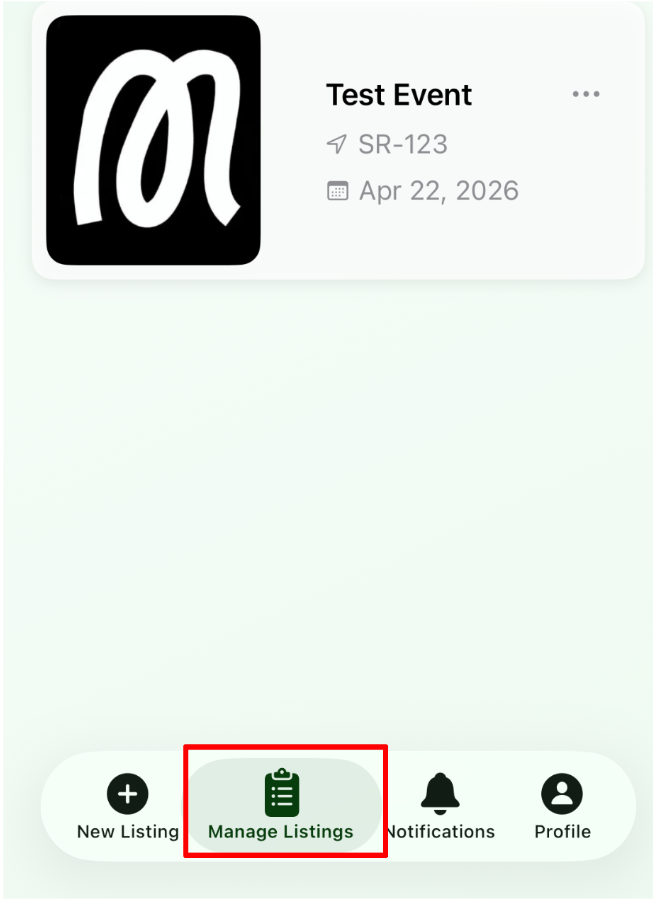 |
| 2. Tap any of your events shown | 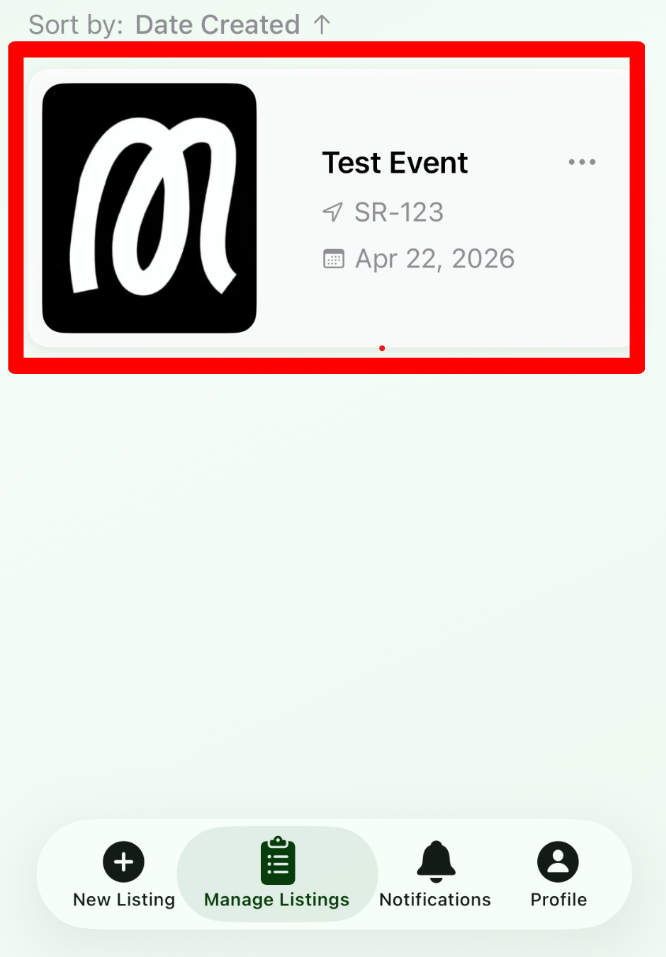 |
| 3. Tap the specific event slot that you're looking to remove someone from |  |
| 4. In the "Attendees" section, select the specific user you're looking to block | 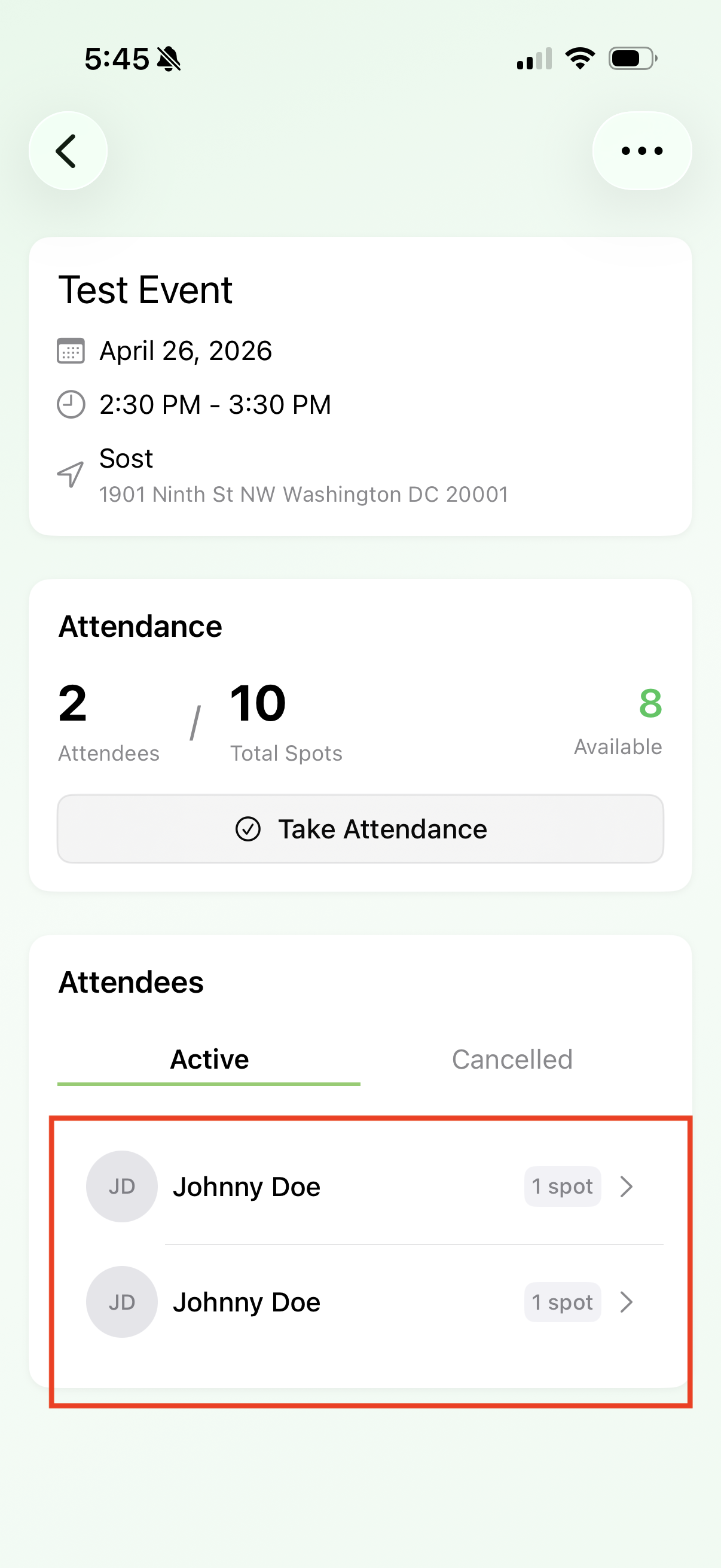 |
| 5. Tap the menu button on the top right. Choose between removing or removing and blocking this user from booking future events | 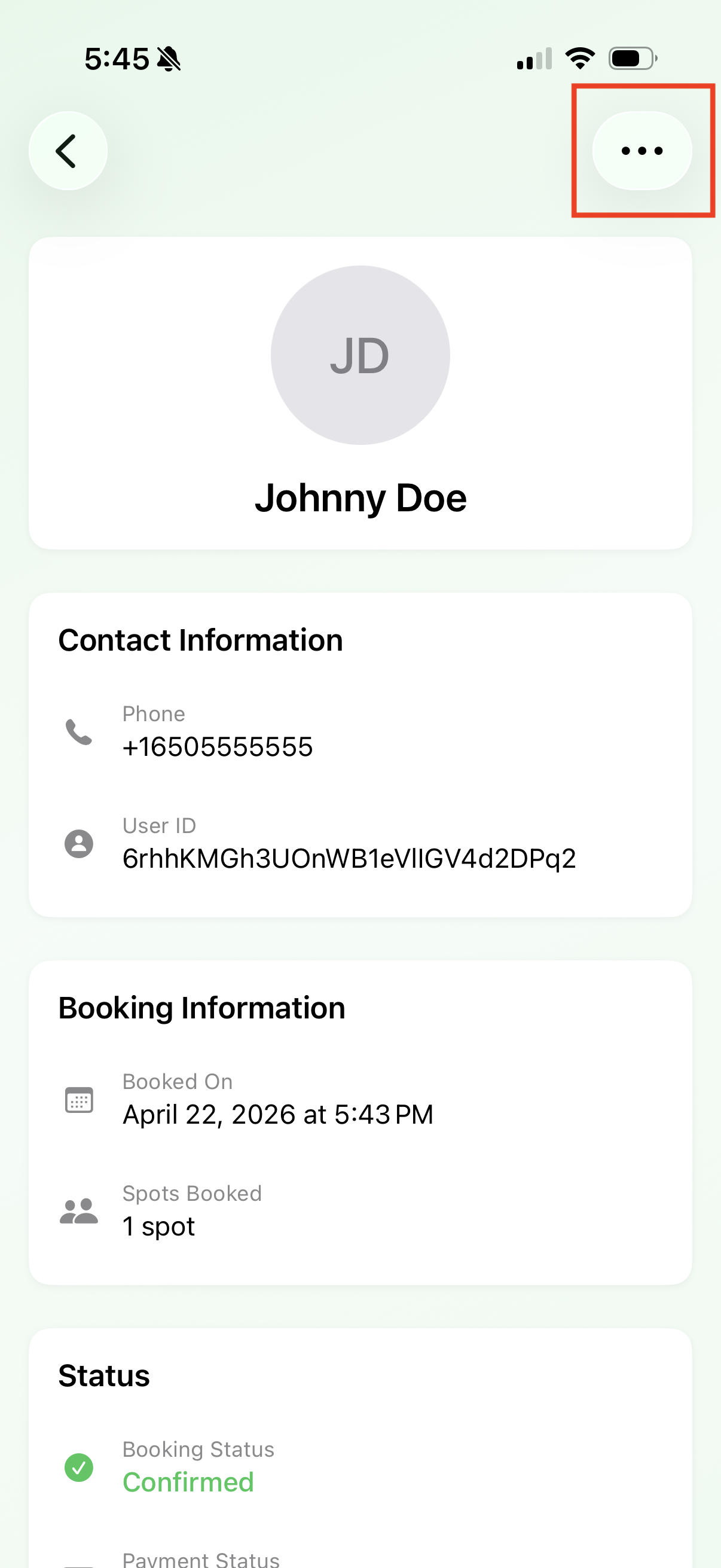 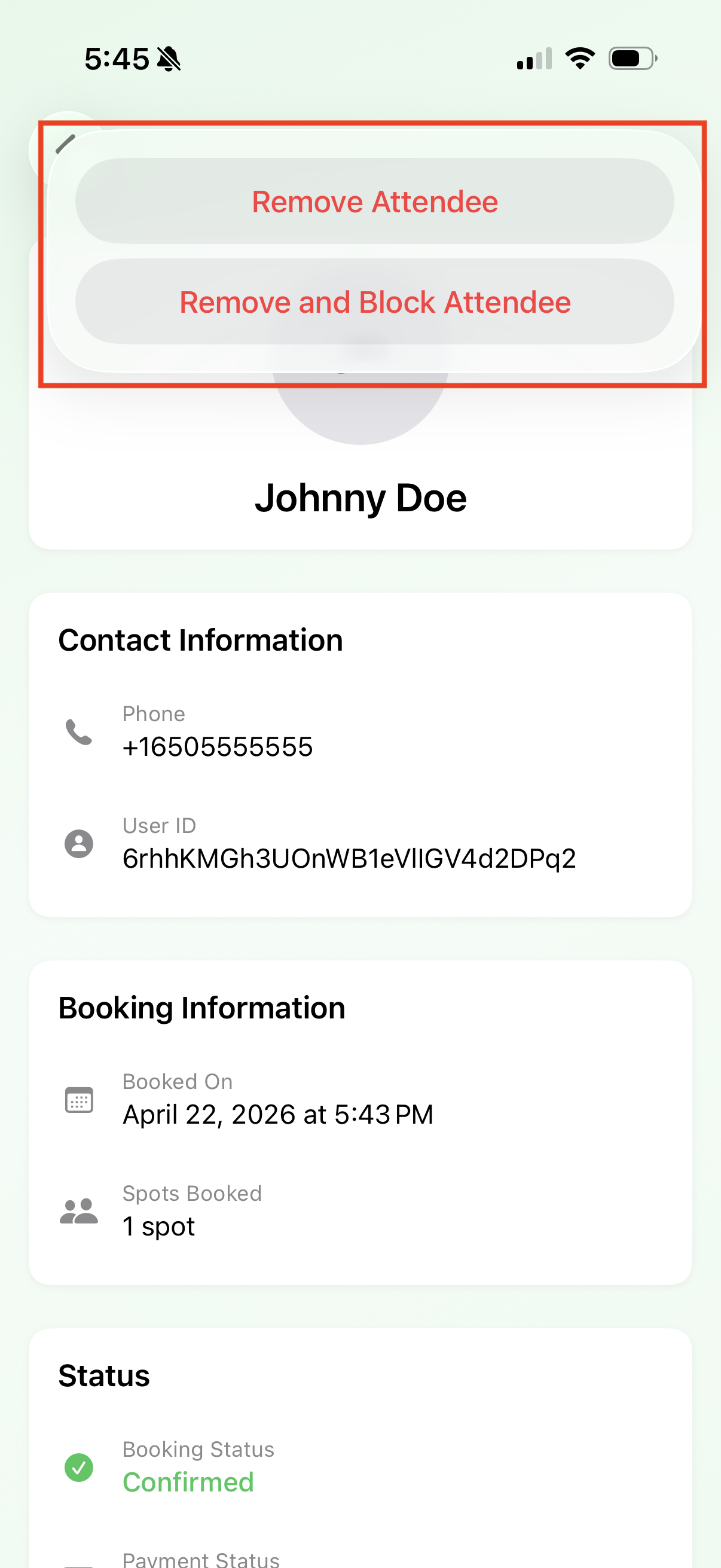 |