Back to Docs
Downloading Moves and Signing Up
| 1. Download Moves from the App Store. The link can be found here | 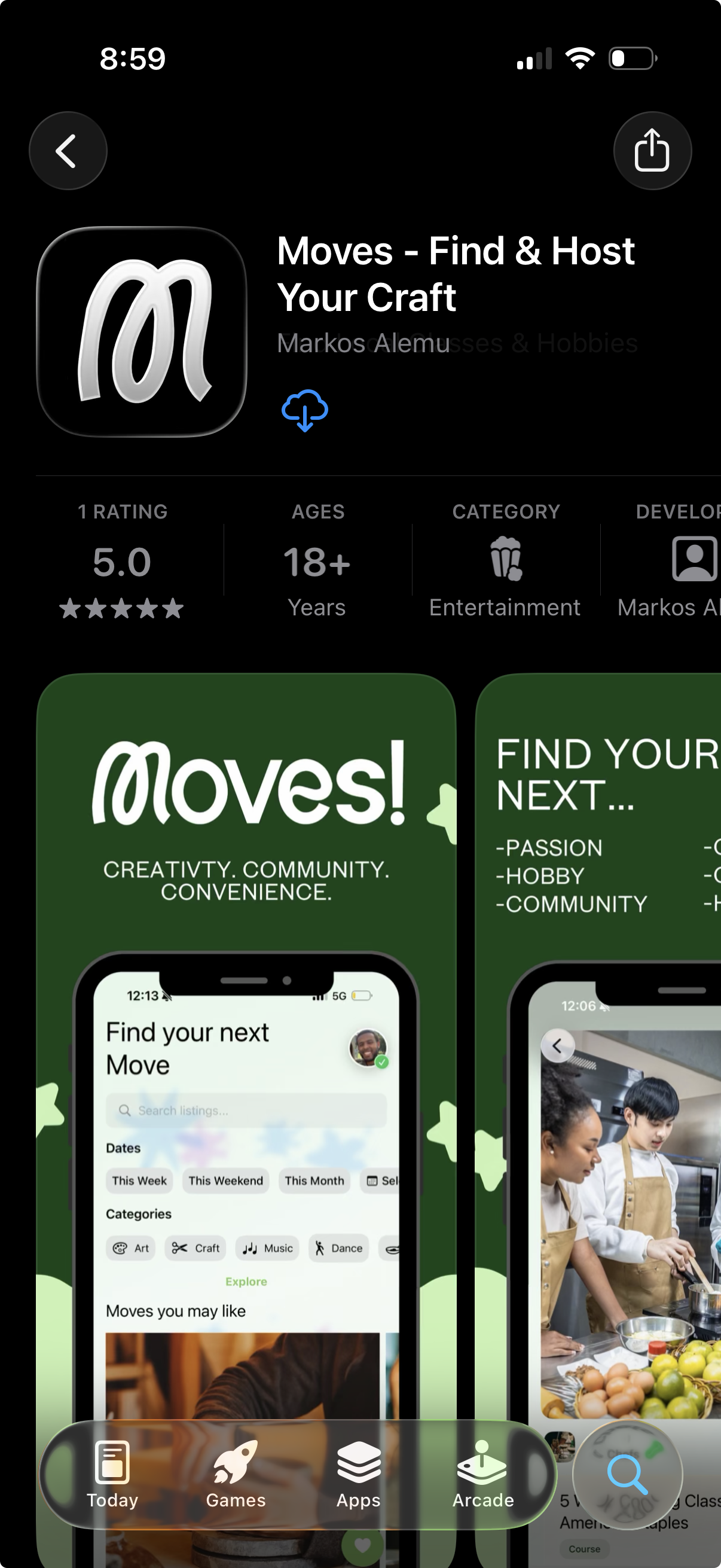 |
| 2. Press the Login/Sign Up button to begin sign up process | 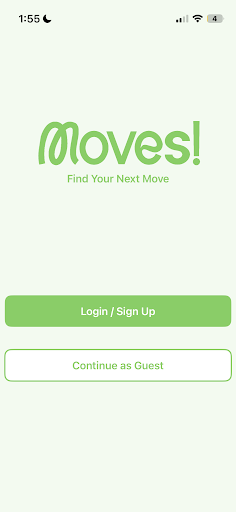 |
| 3. -Phone sign-up: Moves will verify your phone number by texting you a code. Enter this 6 digit code into the provided fields. -Email sign-up: Upon successfully signing up via email and setting your password, a pop-up will appear with a button to send a verification link to the email. Your email must be verified to start hosting. | 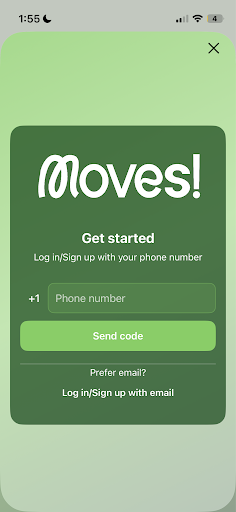 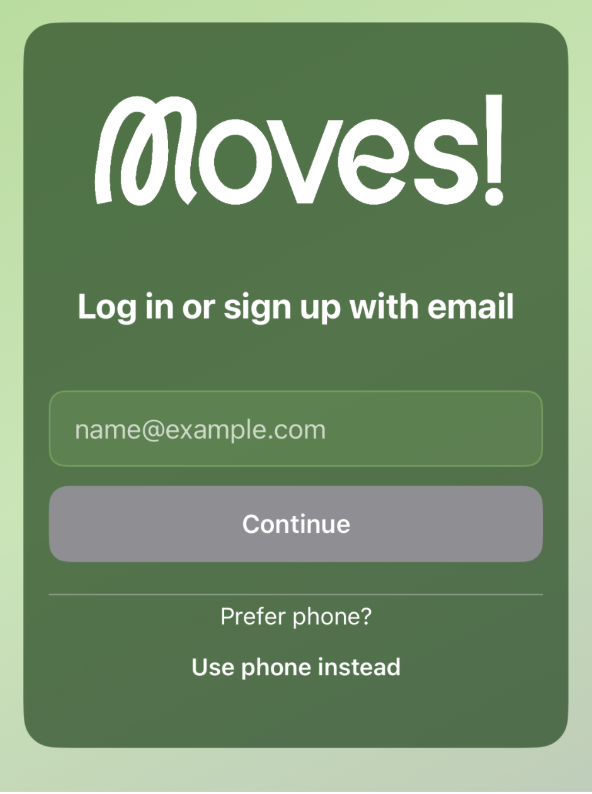 |